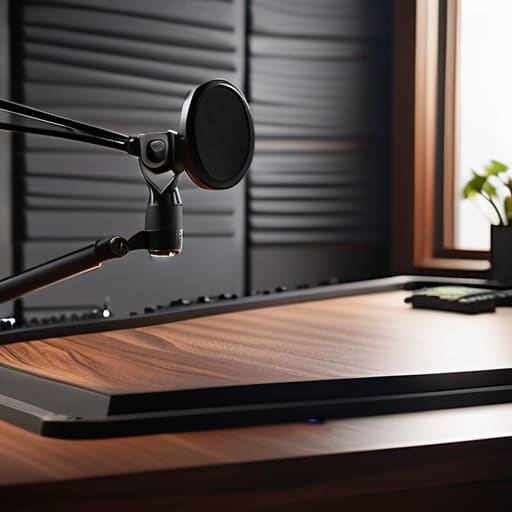
I spent three hours last Tuesday staring at a waveform, trying to figure out why my guest’s video feed looked like they were recording inside a disco ball. It wasn’t the lighting rig or the camera; it was the cheap, high-gloss laminate desk they’d bought to look “professional.” They had no idea that learning how to pick a desk surface that does not reflect is just as vital to a clean setup as your microphone placement. Most people think they can just fix a glare with a bit of digital masking or a clever angle, but once that light bounce hits your lens, you’re essentially fighting a losing battle from the second you hit record.
I’m not here to sell you a $500 specialized studio workstation or a magic light-absorbing cloth. I’ve spent twenty years in edit suites, and I can tell you that the solution is usually much more boring—and much cheaper—than the influencers make it out to be. I’m going to give you the actual, unglamorous breakdown of materials that work, from matte finishes to tactical fabric covers, so you can stop worrying about your gear and start focusing on the actual conversation.
Why Matte Finish Desk Options Actually Matter
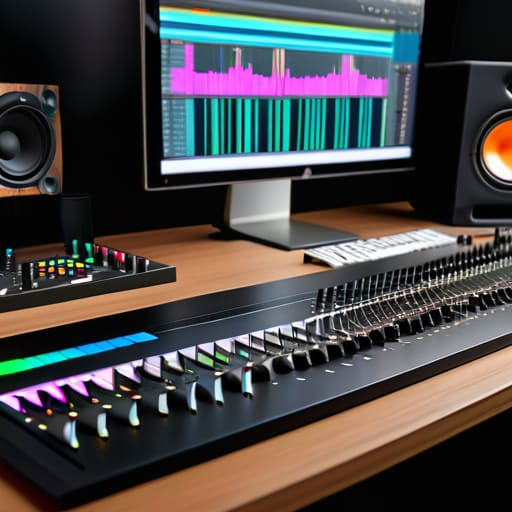
Look, I know it sounds like I’m obsessing over aesthetics, but this isn’t about making your studio look good for Instagram. It’s about the fact that when you’re staring at a monitor for six hours trying to spot a waveform spike, the last thing you need is a bright white streak of light cutting across your view. If you’re working with a high-gloss surface, you aren’t just fighting light; you’re fighting your own focus. Using matte finish desk options isn’t a luxury; it’s a way to ensure your eyes don’t fatigue halfway through a long edit.
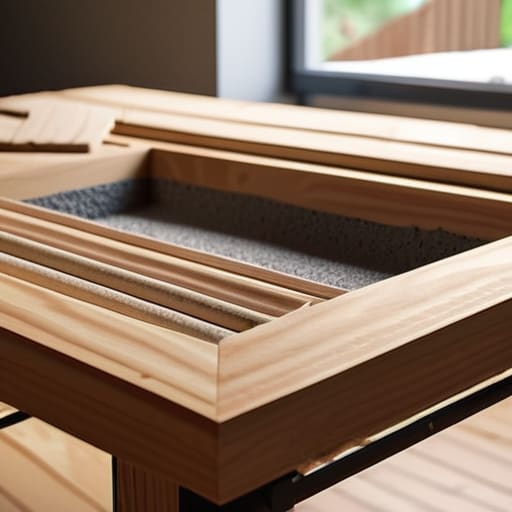
When you choose anti-glare desk materials, you’re essentially managing your workspace lighting and reflections before they become a problem. A glossy desk acts like a mirror, bouncing your overhead lights or your monitor glow right back into your pupils. I’ve spent way too many late nights squinting through a haze of reflected light just to find a single pop in the audio. If you opt for something like textured wood desk surfaces, the light hits the grain and scatters instead of bouncing directly at you. It makes the whole room feel more stable, which is exactly what you want when you’re deep in the zone.
The Truth About Reducing Glare on Workspace
You can spend three hours perfecting your lighting scheme, but if you’re working on a polished glass or high-gloss laminate surface, you’re fighting a losing battle. When you’re trying to monitor levels or read a script, a sudden burst of light bouncing off your desk isn’t just a minor annoyance—it’s a distraction that breaks your focus. I’ve sat through sessions where the host was squinting because a single key light hit the desk and turned the workspace into a blinding white rectangle.
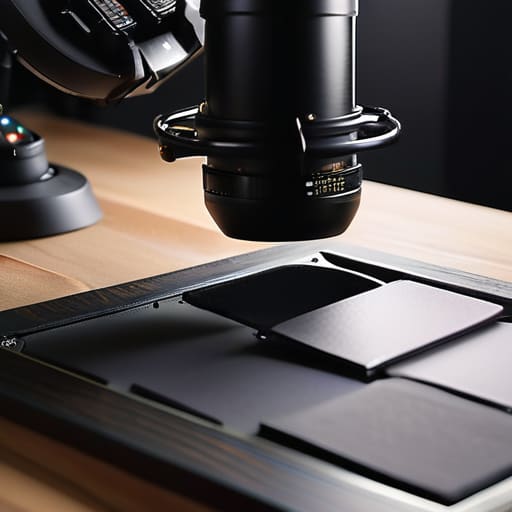
The reality of reducing glare on workspace comes down to how the material handles light. You want a surface that absorbs or scatters light rather than bouncing it directly into your eyes or your camera lens. This is why I always lean toward textured wood desk surfaces or high-quality matte laminates. They break up the light rays, creating a much more stable environment. If you can’t replace your desk right now, even a large, dark desk mat can act as a decent buffer, but don’t rely on bandaids if you can avoid them.
Five ways to stop your desk from ruining your setup
- Look for “linoleum” or “high-pressure laminate” (HPL) rather than polished wood. I’ve spent way too many hours trying to color-correct a video feed because a guest’s desk was bouncing a ring light directly into the lens like a disco ball. HPL is durable and, more importantly, it’s usually dead matte.
- If you already have a glossy desk, don’t go out and buy a new one just yet. Buy a large, heavy-duty desk mat—the kind made of felt or textured vegan leather. It covers the reflective surface area and kills the bounce, and it’s a lot cheaper than a new piece of furniture.
- Avoid glass at all costs. I don’t care how modern or “minimalist” it looks in a catalog; glass is a nightmare. It’s not just the visual glare; it’s the acoustic reflection. A glass desk acts like a hard acoustic mirror, bouncing your voice straight back up into the microphone and making your audio sound thin and metallic.
- Check the “sheen” rating if you’re buying custom or professional-grade surfaces. You’re looking for a low-gloss or matte finish. If the salesperson can’t tell you the finish type, walk away. You don’t want to find out it’s “semi-gloss” only after you’ve spent forty quid on shipping.
- Test your lighting before you commit to a surface. Take a single lamp, point it at your current desk at an angle, and see how much light hits your monitor or camera. If you see a bright, concentrated white spot, that surface is going to be a problem for your video, and you’ll be fighting it every single session.
The bottom line
Stop looking at the gear list and start looking at your desk; if you’re recording video alongside your audio, a glossy surface is a technical debt you’ll be paying off in post-production for hours.
Aim for matte finishes or high-quality laminate rather than cheap painted wood, because once that light hits a reflective surface, no amount of color grading is going to make it look professional.
If you can’t afford a new desk, buy a large, dark-colored desk mat to cover the reflective area; it’s a ten-pound fix that solves a hundred-pound problem.
The post-production tax
“I’ve spent far too many late nights staring at a waveform, trying to fix a recording that was ruined because the lighting hit a polished desk and blinded the camera—or worse, created a visual distraction that made the whole setup look amateur. If you spend an extra fifty quid on a matte laminate now, you’re saving yourself ten hours of headache in the edit later.”
Nadine Okafor
Getting it Right Before You Hit Record
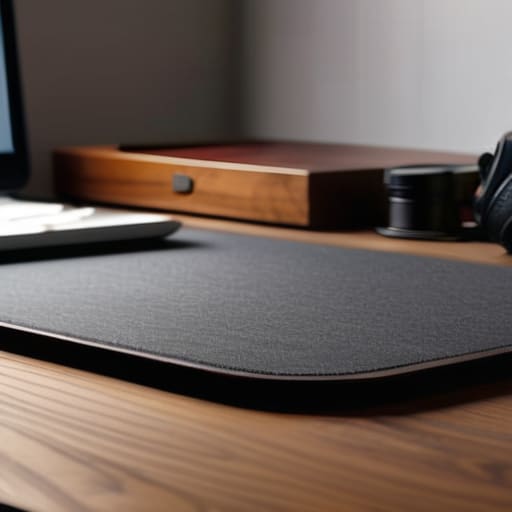
At the end of the day, picking a desk isn’t about aesthetics or matching your studio’s color palette; it’s about removing variables. You want a surface that absorbs light rather than bouncing it into your eyes or your camera lens. Stick to matte laminates, wood with a natural grain, or even a heavy-duty desk mat if you’re working with what you already have. Avoid anything with a high-gloss finish or polished stone, because once that light hits the surface, you’re stuck fighting a distracting glare that no amount of post-production magic can truly fix. Keep it simple, keep it dull, and focus on the stability of your setup rather than how shiny it looks in a showroom.
I know it feels like a small, almost pedantic thing to obsess over when you’re trying to build a show, but these are the tiny technical hurdles that actually determine whether you enjoy your workflow or end up hating your studio. Podcasting is a marathon of troubleshooting, and the more you can eliminate the friction now, the more energy you’ll have for the parts that actually matter—the storytelling and the sound. Don’t let a cheap, reflective desk be the reason you lose your focus. Get the foundation right, build your workspace around your process, and then get on with the actual work of making something worth hearing.