
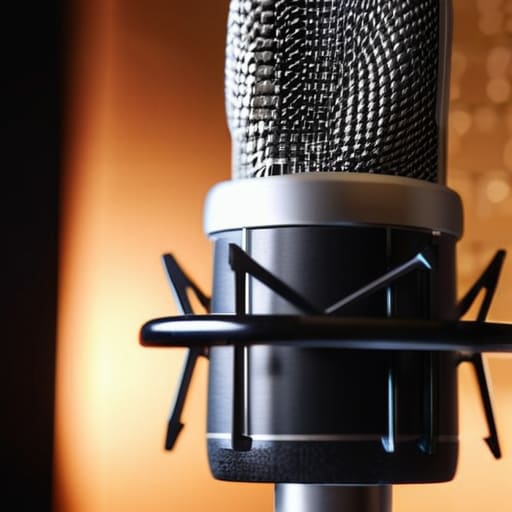
I spent three hours last Tuesday fighting a De-esser plugin that was doing nothing but making a perfectly good interview sound like the guest was talking through a mouthful of wet wool. It’s the classic mistake: you record a session with harsh, piercing “S” sounds, and then you try to perform digital surgery in post-production to fix it. I’ve seen so many beginners throw money at expensive software thinking it’s a magic wand, but let me tell you, there is no plugin in the world that can truly save a bad recording. If you want to stop the ear fatigue for your listeners, you need to learn how to deal with sibilance at the source before you even hit the record button.
I’m not here to sell you a masterclass or a specialized frequency-shaving tool. I’m going to tell you what actually works when you’re sitting in a room with a guest who has particularly sharp diction. We’re going to talk about mic placement, physical barriers, and the specific way you need to position a pop filter to catch those high-frequency spikes. This isn’t about magic; it’s about practical physics and better habits.
The Lie of the Magic De Esser
I’ve spent more hours than I care to admit staring at a de-esser plugin, trying to tame a waveform that sounds like a handful of gravel being thrown against a window. The industry sells these tools as a cure-all, but here is the reality: a de-esser is a band-aid, and if you rely on it too heavily, you’re going to end up with a guest who sounds like they have a mouth full of cotton wool. You can only push a compressor so far before you start eating the actual speech, turning every “s” into a dull, unnatural thud.
When you try to fix sibilance in post by aggressively targeting high frequencies, you aren’t actually solving the problem; you’re just masking it. The real work happens before the record button is even pressed. Instead of praying a plugin will save your mix, focus on microphone placement for vocals. If you can move the mic just two inches off-center—what we call an off-axis technique—you can significantly reduce the direct air pressure hitting the capsule. It’s much more effective to solve the physics of the room than to try and perform digital surgery on a broken recording.
Why Microphone Placement for Vocals Changes Everything
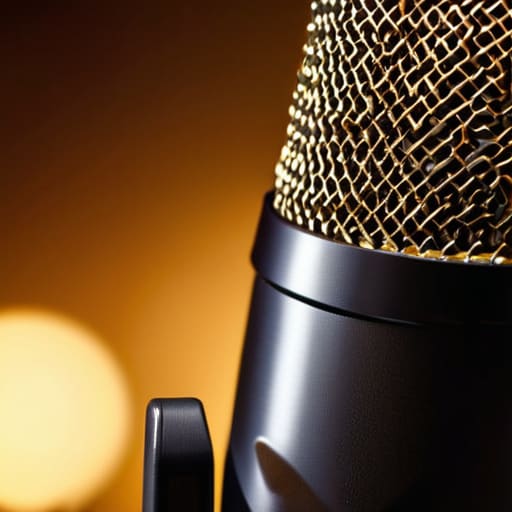
If you’re sitting three inches from a large-diaphragm condenser, you’re asking for trouble. Those mics are designed to pick up every nuance, which includes the piercing, high-frequency spikes that make a listener want to rip their headphones off. I’ve spent many a late night trying to tame a guest who insists on “feeling the proximity effect,” only to realize I’m fighting a losing battle against physics. The truth is, microphone placement for vocals is your first and most important line of defense.
Instead of letting them blast the capsule dead-on, try an off-axis microphone technique. Have them angle the mic about 15 to 30 degrees away from their mouth, or tell them to aim for the corner of their lips rather than the center of their teeth. You aren’t losing the warmth of the voice; you’re just redirecting the most aggressive air blasts and sibilant spikes away from the diaphragm. It’s a simple tweak that makes your job in post-production significantly less miserable.
Five ways to stop the piercing 'S' before you hit record
- Move the mic off-axis. If your guest is speaking directly into the capsule, those high-frequency transients are going to hit like a hammer. Tell them to aim the mic at the corner of their mouth rather than the center of it. It creates a natural physical filter that softens the sibilance without making them sound like they’re talking through a woollen sock.
- Watch your gain staging. I see people do this all the time—cranking the preamp to get a “hot” signal, only to realize they’ve just amplified every sharp, whistling consonant in the room. Keep your levels hitting around -12dB to -6dB on average. If you’re peaking into the red just to get a loud signal, you’re making your de-esser’s job impossible later.
- Check the room’s “brightness.” If you’re recording in a kitchen or a room with too many hard surfaces, those ‘S’ sounds are bouncing off the walls and hitting the mic from multiple directions. It’s a nightmare to edit. Throw a heavy rug down or even just hang some thick blankets behind the guest. You need to kill the reflections, not just the direct sound.
- The “Off-Axis” mouth position. It’s not just about the mic; it’s about the guest’s anatomy. If they have a particularly sharp way of speaking, suggest they sit just a few inches back or slightly to the side of the mic’s sweet spot. A distance of about 6 to 8 inches is usually the sweet spot for most people, but if they’re a heavy sibilant speaker, give them that extra inch of breathing room.
- Audit your hardware. If you’ve bought a condenser mic specifically because it’s “crisp” or “detailed,” you might have accidentally bought a sibilance machine. Some mics are just inherently brighter in the 5kHz to 8kHz range. If you’re struggling with a guest who is naturally piercing, you might actually want a dynamic mic with a slightly warmer, darker frequency response to do the heavy lifting for you.
The reality check
Stop looking for a plugin to fix a bad recording; if your sibilance is piercing, no amount of de-essing will save the natural tone of the voice without making the guest sound like they’re underwater.
Move the mic. If your guest is hitting those harsh ‘S’ sounds, have them angle the capsule slightly off-axis or move back about two inches—it’s a five-second fix that saves you two hours in the edit.
Control the environment before you even hit record. Hard surfaces and cheap pop filters are the primary culprits for reflected high frequencies that turn sibilance into a nightmare.
## The math of it
You can spend three hours riding a de-esser and trying to find the exact frequency threshold that doesn’t turn your guest into a robot, or you can spend thirty seconds telling them to stop talking directly into the capsule and aim for the off-axis. One is a way to waste your afternoon; the other is actual production.
Nadine Okafor
Get it right before you hit record
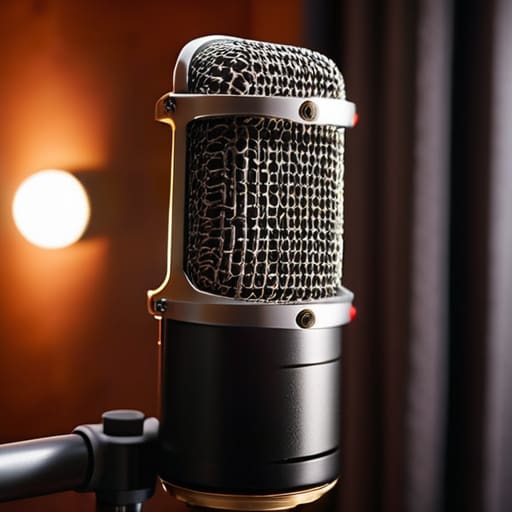
Look, at the end of the day, you can spend your entire career hunting for the perfect de-esser plugin, but you’re just chasing your tail. If you’ve actually listened to what I’ve said here, you know the real work happens before you even open your DAW. It’s about the physicality of the setup: tilting that condenser mic two inches off-axis so the high-frequency energy doesn’t hit the capsule dead-on, or choosing a dynamic mic that isn’t quite as sensitive to those piercing sibilant peaks. Stop trying to fix a bad recording with math and start fixing it with better technique. If you manage the room and the mic placement correctly, you’ll find you’re spending half as much time squinting at waveforms and twice as much time actually telling a story.
Podcasting isn’t about having the most expensive signal chain in the world; it’s about having the discipline to do the unglamorous bits right. There is a massive, quiet satisfaction in opening a session and realizing you don’t need to perform surgical EQ because you actually prepared. Don’t let the pursuit of “perfect” audio distract you from the fact that you are here to communicate something. Get the source clean, get the technique solid, and then get out of your own way. The craft is in the details, but the goal is always the connection.




