
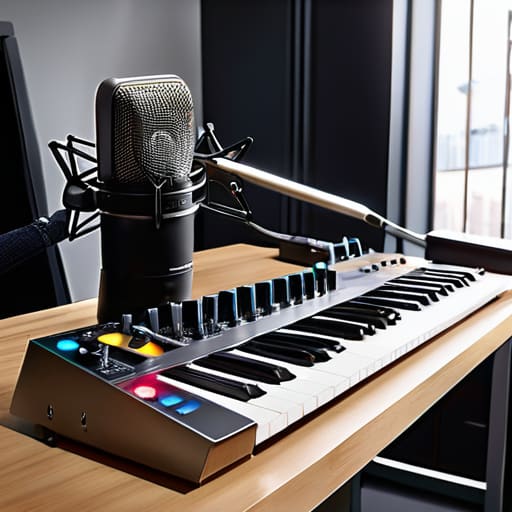
I spent three hours last Tuesday untangling a knot of XLR cables that looked like a nest of angry snakes, all because I thought I could “just wing it” with my gear layout. There is this pervasive, expensive lie floating around the internet that you need a custom-built, cable-managed workstation with integrated LED strips to be professional. It’s nonsense. Most of the advice on how to keep a recording setup tidy is written by people who have never actually had to move a heavy mic stand in a cramped spare bedroom or deal with a guest who accidentally kicks a power strip mid-sentence. You don’t need a showroom; you need a system that doesn’t break your spirit or your hardware when things get hectic.
I’m not here to sell you a $500 cable management tray or a lifestyle brand. I’m going to tell you how I actually organize my workspace so I can spend my time editing instead of hunting for a lost adapter. We’re going to talk about practical, boring things like labeling your ends, securing your tripods, and why a simple velcro tie is worth more than any high-end aesthetic. This is about making your workflow functional, not pretty.
Studio Cable Management Solutions for the Long Haul
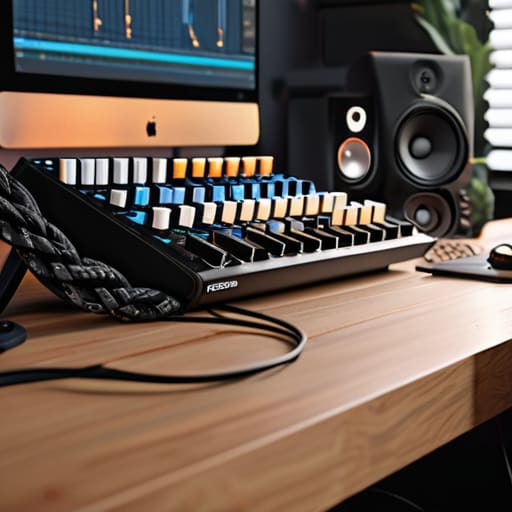
If you’re planning to do this for more than a month, stop using Velcro ties for everything and invest in some proper studio cable management solutions. I’m talking about heavy-duty braided sleeves or even just decent-quality cable trays that bolt to the underside of your desk. I spent my first year with a “spaghetti monster” behind my desk that made it impossible to swap out a faulty XLR cable without nearly pulling my entire interface off the table. You want to be able to reach behind your setup and grab a specific lead without a tug-of-war.
Beyond just the mess, you need to think about minimizing audio interference from cables. It’s a rookie mistake to run your power strips right alongside your signal lines; you’ll end up with a constant 50Hz hum that’ll take you three hours to troubleshoot in post. Keep your power cables on one side and your audio lines on the other. If you’re tight on space, look into better audio interface placement tips—mounting the unit on a small rack or a dedicated stand keeps the ports accessible and prevents the weight of the cables from straining the connections.
Minimizing Audio Interference From Cables and Clutter
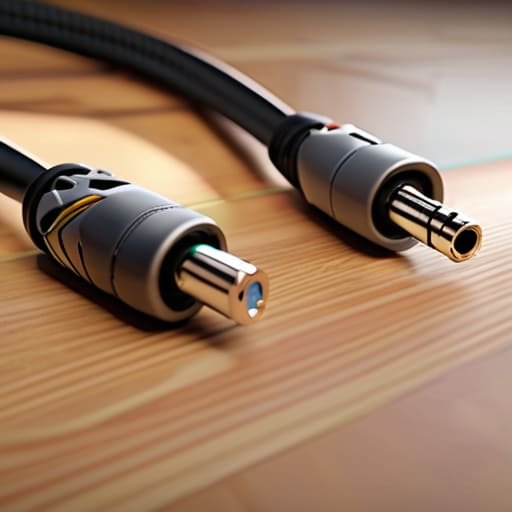
If your cables are crisscrossing like a spiderweb, you aren’t just looking at a mess; you’re likely inviting hum and buzz into your signal chain. When you’re minimizing audio interference from cables, the golden rule is separation. Keep your high-impedance audio lines—your XLRs and instrument cables—as far away from your power strips and AC adapters as possible. If they have to cross, make sure they do so at a 90-degree angle. Running an audio cable parallel to a power brick is a one-way ticket to a constant 50Hz or 60Hz hum that no amount of post-production EQ is going to fix without making your voice sound like it’s underwater.
It’s also about where you put the brains of the operation. I’ve seen too many beginners bury their hardware under a pile of notebooks and coffee mugs. Proper audio interface placement tips usually boil down to this: keep it accessible, keep it elevated, and keep it away from electromagnetic noise. If your interface is sitting right next to a massive unshielded power supply, you’re going to hear it in your headphones. Clear the deck so the gear can breathe, and more importantly, so the signal stays clean.
Five ways to stop your desk from becoming a graveyard of adapters
- Label every single end of your XLR cables with a piece of white gaffer tape and a fine-liner. When you’re mid-edit and realize you’ve plugged a phantom power supply into the wrong channel, you don’t want to be tracing a black wire through a rat’s nest of silicon under your desk.
- Get some Velcro cable ties—not the plastic zip ties. Zip ties are permanent and aggressive; if you need to add a new interface or a secondary mic later, you’ll end up cutting through something you didn’t mean to. Velcro lets you iterate, which is what real production actually is.
- Stop letting your power strips live on the floor in a pile of dust. Mount them to the underside of your desk or the back of a heavy-duty rack. Keeping the heavy power bricks off the ground keeps them away from your signal cables and prevents that low-frequency hum that’s a nightmare to notch out in post.
- Use a dedicated “active” tray for your current session’s peripherals. If you’re using a specific USB interface, a MIDI controller, and a headphone splitter, keep them in one zone. When the session is done, everything goes back in the tray. It stops the “where did I put that specific dongle?” panic ten minutes before a guest joins the Zoom.
- Clear the desk of anything that isn’t audio-related before you hit record. I’m talking about coffee mugs, loose notebooks, and half-eaten snacks. It’s not about being a minimalist; it’s about making sure you don’t knock a lukewarm latte into your audio interface halfway through a perfect take.
The Bottom Line
Stop treating cable management as an aesthetic choice; it’s a troubleshooting necessity. When a ground loop hum starts or a signal drops mid-interview, you don’t want to be untangling a nest of XLRs while your guest stares at you in awkward silence.
Prioritize physical separation. Run your power cables and your audio lines on different paths whenever possible. It’s a basic rule for a reason, and it’ll save you hours of hunting for phantom interference that you can’t EQ out in post.
Label everything at both ends. I don’t care if it’s a high-end interface or a cheap USB mixer; knowing exactly which cable goes to which input saves you from the “guess and check” method that kills your momentum during a session.
The hidden cost of a messy desk
A tangled nest of XLR cables isn’t just an eyesore; it’s a ticking time bomb for a ground loop hum or a snapped connector right when your guest is mid-sentence. I’d rather spend twenty minutes routing my lines through velcro ties today than spend four hours hunting for a phantom buzz in a waveform tomorrow.
Nadine Okafor
The Reality of the Long Game
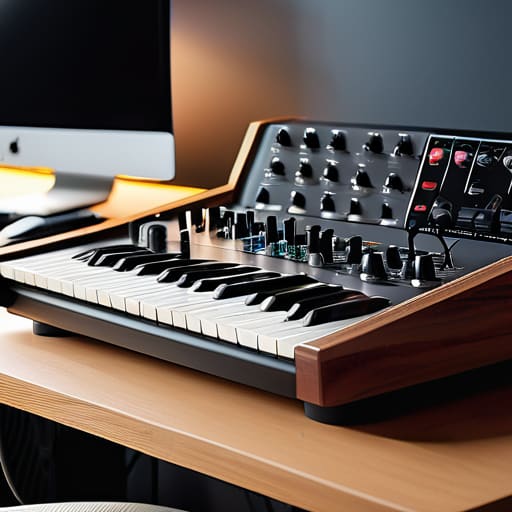
At the end of the day, keeping a tidy setup isn’t about achieving some Pinterest-perfect aesthetic for your followers; it’s about operational survival. We’ve covered the basics: using Velcro ties instead of those cheap plastic zip ties that you can never remove without a knife, routing your power cables away from your XLR lines to stop that dreaded 60Hz hum, and making sure your desk isn’t a graveyard of half-empty coffee mugs and tangled headphone cords. If you take five minutes at the end of every session to coil your leads and clear your workspace, you aren’t just being neat—you are protecting your workflow and preventing the kind of hardware failures that happen when a rogue cable gets stepped on or a connector gets bent in a mess of clutter.
Look, there will be nights when you’re exhausted, the edit is running long, and the last thing you want to do is tidy up. You’ll want to just throw everything in a pile and call it a night. Resist that. Podcasting is a marathon of small, repetitive tasks, and the way you treat your gear tells you exactly how much you respect the craft. If you build the habit of organization now, you won’t be fighting your environment when you’re trying to capture a once-in-a-lifetime interview. Build a workspace that works for you, not one that you have to fight against every single time you hit record.




