
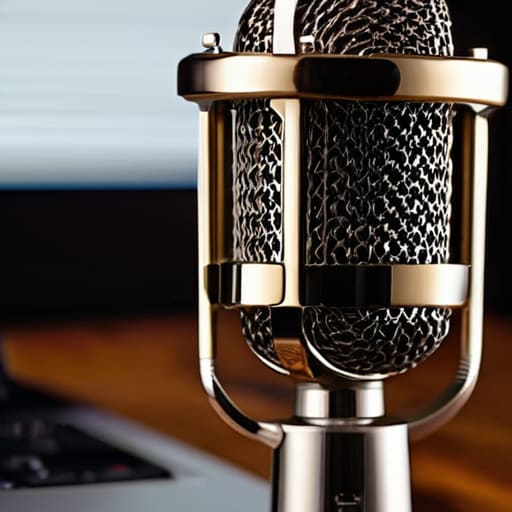
I once spent three hours in a cramped, humid studio in Birmingham, trying to figure out why my condenser mic sounded like it was underwater, only to realize I’d been treating it like a piece of plastic rather than a delicate instrument. People will tell you that you need a specialized, climate-controlled gear vault or some $500 proprietary cleaning kit to keep your equipment functional, but that’s mostly just marketing fluff designed to separate you from your money. The truth about how to care for a microphone so it lasts isn’t found in a luxury gadget; it’s found in the small, slightly boring habits you develop when you actually respect the diaphragm.
I’m not here to sell you a course or a fancy storage case you don’t need. I’m going to tell you exactly what causes capsule failure, how to handle moisture when your guest is a heavy breather, and why your storage routine is likely doing more harm than good. This is the unglamorous, practical side of gear maintenance that I’ve learned through years of broken equipment and missed deadlines. If you want the actual technical specifics on keeping your kit alive, let’s get into it.
Protecting the Microphone Diaphragm From Your Own Mistakes
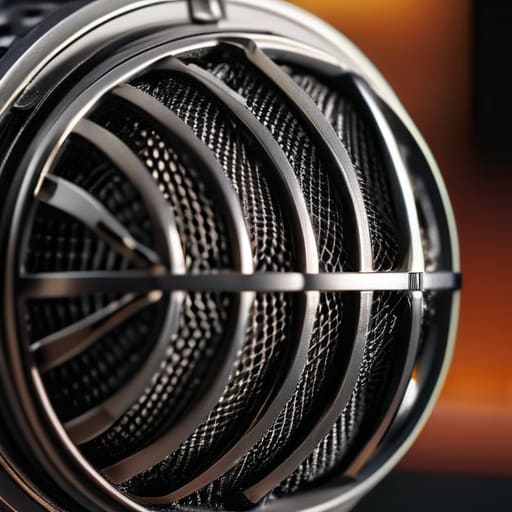
The most common thing that kills a good mic isn’t old age; it’s you. Specifically, it’s the breath and spit that happens when you’re mid-sentence and leaning too close to the capsule. If you’re using a condenser, you need to understand the microphone pop filter importance isn’t just about stopping those “P” sounds from clipping your levels. It’s a physical barrier. Every time you skip the filter, you’re essentially spraying microscopic droplets of moisture directly onto a delicate membrane that wasn’t designed to be a windshield for your saliva.
When it comes to preventing moisture damage in mics, consistency is everything. If you record in a humid room or a basement studio, that dampness settles into the electronics. I’ve seen more expensive gear ruined by a bit of condensation than by actual physical drops. When you aren’t recording, don’t just leave the mic out on the stand like a trophy. Get a decent case or even just a dedicated bag to keep the dust and humidity at bay. It’s a small habit, but it’s the difference between a mic that sounds crisp for a decade and one that starts sounding thin and scratchy after six months.
Preventing Moisture Damage in Mics Before It Breaks Everything
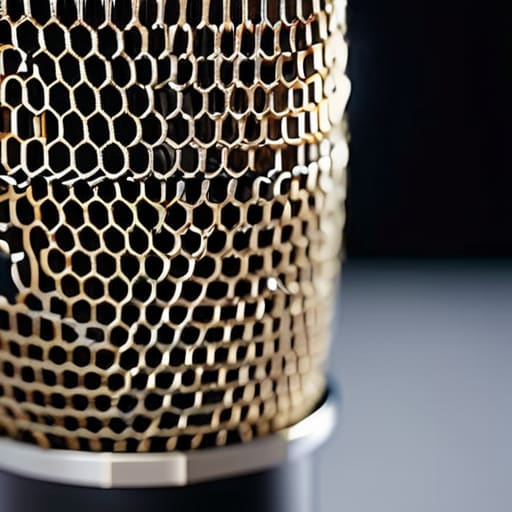
Let’s talk about the thing no one wants to admit: your breath is a slow-motion wrecking ball for your gear. When you’re recording a long-form interview, especially with a guest who tends to get expressive or “breathy,” you aren’t just capturing dialogue; you’re spraying microscopic droplets of saliva directly onto the capsule. If you’re using a sensitive condenser, that moisture sits on the diaphragm, causing impedance changes that manifest as crackling or a permanent loss of high-end clarity. This is why microphone pop filter importance isn’t just about taming plosives—it’s a physical barrier between your biology and your investment.
If you want to actually succeed at preventing moisture damage in mics, you need a post-session ritual. Don’t just toss the mic back into a bag. Leave it out in a dry room for an hour to let any residual humidity evaporate. If you’re working in a damp studio or a basement setup, invest in some decent silica gel packets and keep them in your mic case. It sounds like overkill until you’re staring at a dead microphone that sounds like it’s underwater.
Five Ways to Stop Treating Your Gear Like It’s Indestructible
- Get a decent pop filter and actually use it. I’ve seen too many beginners try to save five minutes by skipping the mesh, only to end up with a capsule coated in microscopic droplets of saliva. If you’re plosive, you’re basically power-washing your diaphragm with spit every time you say a word starting with ‘P’.
- Invest in a proper hard shell case. Padded bags are fine for a quick trip to the studio, but if you’re commuting on the train or throwing your kit in the back of a car, a soft bag won’t stop a sudden jolt from cracking a connector or denting a grille. If it isn’t in a hard case, it isn’t safe.
- Check your cables before you plug them in. A frayed XLR cable is a slow death sentence for your signal chain; it creates intermittent crackles that drive you mad in post-production and can eventually short out the preamp. If the jack feels loose or the shielding feels thin, bin it and buy a new one. It’s cheaper than replacing a damaged interface.
- Stop leaving your mics on the desk when you aren’t recording. Dust is a silent killer. It settles into the mesh and eventually finds its way into the internal components, causing noise floor issues that no amount of EQ can fix. When you’re done, put the mic in its bag or a drawer.
- Watch your storage temperatures. If you’re recording in a studio that’s freezing one day and sweltering the next, you’re asking for condensation to form inside the housing. If you move a mic from a cold car into a warm room, give it an hour to acclimate before you even think about powering it up.
The Bottom Line on Not Breaking Your Gear
Buy a decent pop filter and actually use it; it’s not just for the aesthetic, it’s the only thing stopping your plosives from physically battering the diaphragm.
Treat your mic like a piece of precision medical equipment, not a hammer—keep it in a dedicated case or a dry bag when you aren’t recording to keep the dust and humidity out.
If you hear a crackle or a drop in sensitivity, stop recording immediately and check your cables and connections instead of just assuming it’s a “software glitch.”
The Real Cost of Neglect
I’ve seen people drop three grand on a Neumann only to treat it like a piece of plastic they can toss into a backpack with their keys and a half-eaten sandwich. A microphone isn’t a gadget; it’s a precision instrument, and if you don’t respect the hardware, you’ll be spending your entire freelance budget on replacements instead of actually producing anything worth hearing.
Nadine Okafor
The Long Game
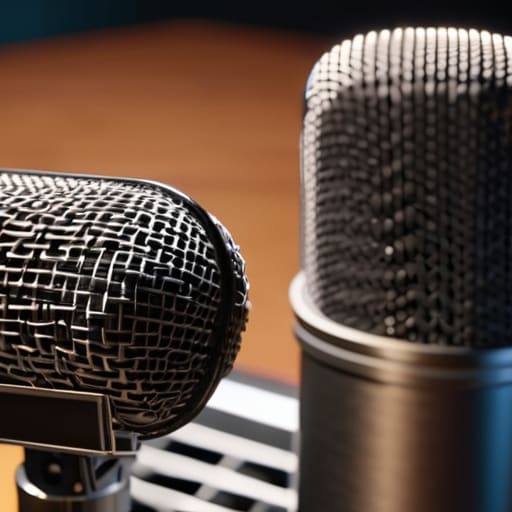
At the end of the day, keeping a microphone alive isn’t about some high-tech maintenance ritual; it’s about basic discipline. If you can remember to use a pop filter to keep the saliva off the capsule, store your gear in a dry place instead of leaving it on a cold studio floor, and actually clean the dust off the mesh once a month, you’ve already done more than most. It sounds tedious because it is. But I’ve sat through enough sessions where a guest’s voice suddenly sounds thin or crackly because someone let moisture settle into the diaphragm, and I promise you, that frustration is far worse than the five minutes it takes to properly pack a case. Treat your gear like it’s the only thing standing between you and a ruined recording.
Look, I know the allure of the “next big thing” in tech. You’ll see a shiny new condenser on a reviewer’s channel and think it’ll change your life, but your current kit will serve you just fine if you stop treating it like an afterthought. Podcasting is a marathon of attrition, and your equipment is part of your stamina. Don’t let a preventable hardware failure be the reason your show loses its momentum during those first difficult months. The craft is in the details, and that includes the unglamorous work of looking after the tools that actually give you a voice. Get the basics right, and the rest will follow.




