
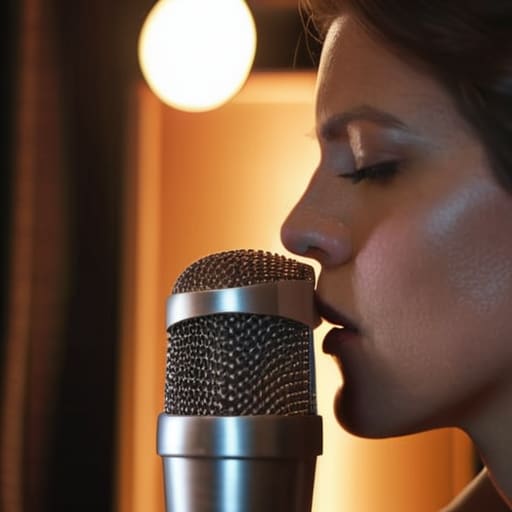
I spent three years thinking I was a failure because my recordings sounded like someone was constantly punching the listener in the ear. I’d watch these YouTube tutorials where “experts” would tell me I just needed to drop another hundred quid on a professional-grade mesh pop shield, but I was a freelancer living on coffee and hope; I didn’t have the budget for a gear upgrade every time a guest breathed too hard. The truth is, most of that gear is just a band-aid for poor technique, and if you’re looking for how to reduce plosives without a filter, you don’t need a bigger credit limit—you just need to understand the physics of air.
I’m not going to sell you a course or tell you that a specific brand of foam will save your life. Instead, I’m going to give you the actual, un-glamorous mechanics of mic placement and mouth positioning that I’ve used to salvage hundreds of hours of audio. We’re going to talk about off-axis positioning, the “rule of thumb” for distance, and why your guest’s posture matters more than their microphone. This isn’t about magic; it’s about knowing your setup so you can stop editing out the same damn “P” sounds every single week.
Mastering Off Axis Speaking Technique When Youre Stuck
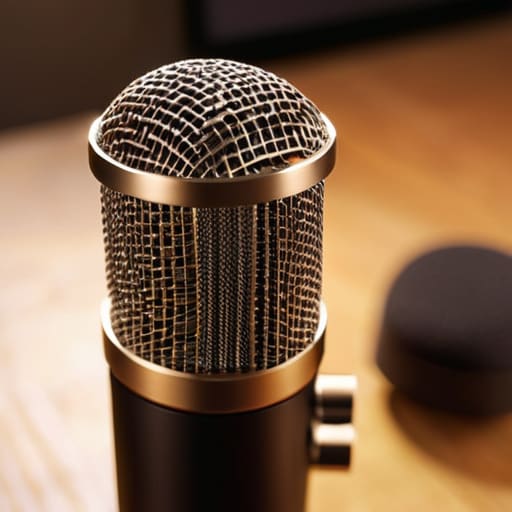
If you can’t afford a pop filter or you’ve simply lost yours in the chaos of a home studio, you need to stop treating your microphone like a target. Most beginners make the mistake of speaking directly into the diaphragm, which is basically a recipe for disaster when those hard consonants hit. Instead, try off-axis speaking technique. This just means you angle the microphone slightly to the side of your mouth—maybe 15 to 30 degrees—so the direct line of your breath misses the capsule entirely. You’re still getting the warmth and clarity of the mic, but the heavy air blasts are being redirected past the sensor rather than slamming into it.
It’s also a matter of simple geometry. If you’re working with a sensitive condenser, increasing your distance from microphone for plosives can be the difference between a clean take and a clip-heavy mess. I usually tell my guests to back off by about two or three inches more than they think they need to. It’s a small adjustment, but it’s one of the most effective ways of managing air blasts in vocal recording without adding any extra hardware to your desk.
Better Microphone Placement for Better Audio Without Gear
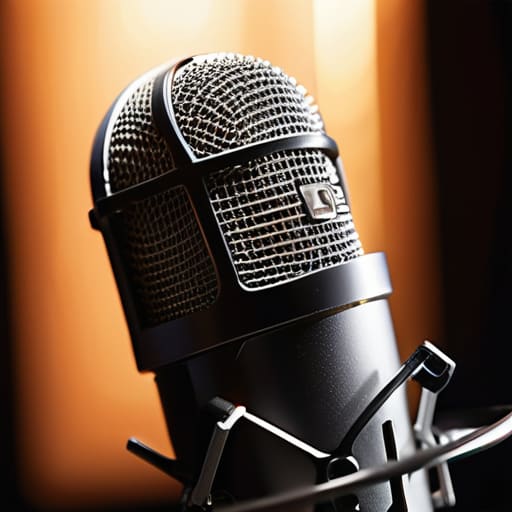
If you can’t move your mouth off-axis, move the mic. Most people make the mistake of treating the microphone like a target they have to stare down, but that’s exactly how you catch every stray breath and explosive consonant. Instead of having the capsule pointed dead-on at your lips, try tilting it slightly. If you’re using a condenser, aim the “sweet spot” toward your mouth but angle the body of the mic so it’s looking at your chin or even your chest. This simple shift in microphone placement for better audio allows the heavy air from those “P” and “B” sounds to pass harmlessly by the diaphragm rather than slamming into it.
You also need to rethink your proximity. I see beginners all the time who want that intimate, radio-voice bass, so they practically swallow the mic. That’s a recipe for disaster. Increasing your distance from microphone for plosives by even two or three inches can be the difference between a clean take and an edit-heavy nightmare. You don’t need a thick foam screen if you just give the air enough room to dissipate before it hits the hardware.
Five ways to save the take when the gear isn't helping
- Stop the direct assault. If you can’t move the mic, move the person. Tell your guest to aim their breath slightly to the left or right of the capsule rather than talking straight into the center. If the air isn’t hitting the diaphragm directly, the ‘P’ won’t trigger the pop.
- Use what you have as a makeshift shield. I’ve seen people drape a thick, clean sock over a mic in a pinch, or even a heavy piece of fabric hung a few inches in front of the capsule. It’s not as clean as a professional foam windscreen, but it breaks up that concentrated blast of air.
- Check your distance. Most people think being “close to the mic” means being an inch away from it. If you’re getting plosives, you’re too close. Back off to about six or eight inches. It gives the air pressure a chance to dissipate before it hits the hardware.
- Watch your gain staging. If you know a guest is a heavy breather or a “plosive hitter,” turn your preamp gain down a few decibels before you start. You can always bring the volume up in post-production, but you can’t fix a clipped, distorted waveform that’s already hit the red.
- Use the “soft” approach to EQ. If you’ve already recorded the mess, don’t reach for a heavy compressor first. Go into your EQ and find that low-end thud—usually somewhere between 80Hz and 150Hz—and pull it down with a narrow notch. It won’t make the pop disappear, but it’ll stop it from sounding like a physical punch to the listener’s ear.
The quick fixes for when you can't reach for a pop filter
If you can’t move the mic, move your mouth; aim the capsule slightly off-center so the air from your “P”s and “B”s misses the diaphragm entirely.
Distance is your best friend when you’re stuck in a bad room; backing up just three or four inches can significantly drop the pressure of those plosive bursts.
Stop treating the microphone like a target; angling the mic at 45 degrees rather than pointing it straight at your lips is the easiest way to save a recording from being unlistenable.
## The reality of the 'P' pop
You can buy every high-end pop filter on the market, but if your guest is shouting directly into the diaphragm like they’re trying to reach the back of the room, you’re still going to be fighting a losing battle in post-production. It’s not about the gear you lack; it’s about the physics of how air hits the capsule.
Nadine Okafor
The Bottom Line
At the end of the day, fixing plosives isn’t about buying a more expensive piece of foam or a branded pop shield; it’s about understanding how air moves. If you can remember to angle the mic slightly off-axis so you aren’t breathing directly into the capsule, or if you just move the stand a few inches further from your mouth, you’ve already solved eighty percent of your problems. It’s the difference between fighting your gear in post-production and actually managing the physics of the room while you’re recording. Don’t let a few popping ‘P’s or heavy ‘B’s convince you that your audio is amateur. Use your ears, adjust your position, and stop treating the microphone like a target for your breath.
I know how it feels when you’re staring at a waveform that looks like a mountain range of distorted air hits, thinking you’ve wasted the whole session. You haven’t. Every bad take is just a lesson in how people actually talk when they aren’t thinking about microphones. Podcasting is a messy, physical medium, and you are going to make mistakes. But once you realize that the craft is in the adjustments—the small, manual tweaks you make in the moment—you stop being a person with a microphone and start being a producer. Now, go back and listen to that last take. You’ll probably find it’s better than you thought.




