
I once sat in a darkened studio in Birmingham, watching a guest deliver the most profound, career-defining monologue of her life, only to have it vanish into a digital void because a cheap, unshielded XLR cable decided to give up the ghost mid-sentence. It wasn’t a fancy software glitch or a bad mic; it was a five-pound piece of copper that couldn’t handle the job. Most people think you need to spend a month’s rent on boutique, gold-plated wires to get professional results, but that’s just marketing fluff designed to separate you from your money. If you actually want to learn how to choose cables that do not fail, you need to stop looking at the brand name and start looking at the build quality and shielding.
I’m not here to sell you a premium gear package or a “masterclass” on signal paths. I’m going to give you the specific, unglamorous technical details that actually matter when you’re in the middle of a high-stakes recording. We’re going to talk about gauge, connector durability, and why your current setup is likely one bad bend away from a disaster.
Why Connector Housing Quality Matters When Everything Goes Wrong
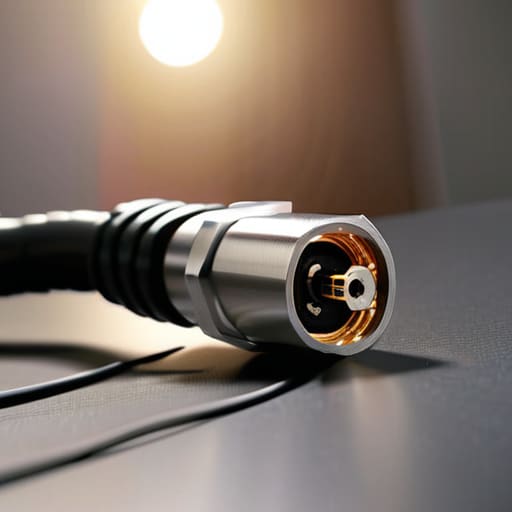
You can buy a cable with the thickest, most expensive shielding in the world, but if the connector housing is made of cheap, thin plastic, you’re essentially building a house on sand. I’ve sat in edit suites staring at a waveform that looks like a mountain range because a guest nudged their XLR cable and the connection flickered. When the housing is flimsy, the internal solder points take all the mechanical stress every time you plug it in or move it around. That’s how you end up with a crackle that sounds like static electricity but is actually just physical fatigue inside the jack.
If you’re serious about your setup, look for metal housings—specifically die-cast zinc or brass. They do more than just feel heavy in your hand; they provide a solid anchor for the strain relief and help with signal interference prevention by maintaining a consistent ground. A high-quality connector housing ensures that the connection stays tight even when the cable is being pulled or stepped on. In this job, you don’t want to be the person troubleshooting a loose connection mid-interview; you want professional grade interconnects that stay locked in place so you can actually focus on the story.
Shielding Effectiveness for Audio Avoiding the Unwanted Hum
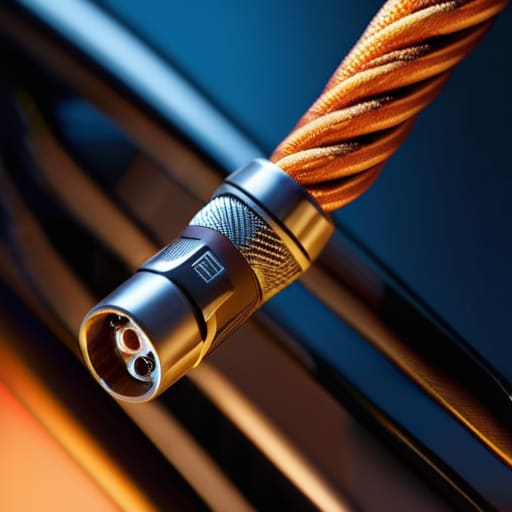
You haven’t lived the podcasting life until you’ve spent three hours editing out a low-frequency hum that sounds like a beehive living inside your preamp. It’s soul-crushing. Most beginners think a hum is a faulty interface or a bad ground in the building, but half the time, it’s just poor shielding effectiveness for audio in a cheap cable. When you’re running lines near power bricks, laptops, or even cheap LED desk lamps, you aren’t just carrying audio; you’re carrying a lightning rod for electromagnetic interference.
If you want to avoid the nightmare of cleaning up noise in post, look for cables with high-density braided shielding rather than just a thin layer of foil. Foil is fine for a static setup in a controlled room, but if you’re moving around or have a semi-mobile studio, you need something that actually provides signal interference prevention when the environment gets messy. Don’t bother with the generic stuff that feels like a limp noodle; if the cable doesn’t have a substantial, well-constructed braid, you’re essentially inviting every radio wave in your apartment to join the conversation.
Five ways to spot a dud before it ruins your session
- Check the strain relief. If the rubber boot where the cable meets the connector looks thin or flimsy, walk away. That’s the first place it’s going to snap when you inevitably trip over it or pull it too tight while you’re trying to reposition a mic.
- Look for oxygen-free copper (OFC). I know, it sounds like another marketing buzzword, but in actual practice, it matters. Cheaper, high-impurity copper has higher resistance and can lead to signal degradation over longer runs, and I’ve spent enough hours troubleshooting “thin” sounding audio to know it’s usually the wire’s fault.
- Test the continuity yourself. Don’t trust the box. If you’re buying in bulk or from a second-hand shop, grab a cheap multimeter and check for shorts. A cable that looks perfect can still have a broken internal strand that cuts out every time the room temperature shifts or someone breathes too hard near it.
- Prioritize thick, braided jackets over the thin, plastic-coated stuff. The plastic ones get stiff, crack, and tangle into a Gordian knot that takes twenty minutes to undo. Braided cables stay supple and handle the physical abuse of being packed into a gear bag every single week.
- Avoid the “unbranded” bargain bin on massive retail sites. If the manufacturer’s name isn’t on the packaging or the cable itself, you aren’t getting a professional tool; you’re getting a disposable piece of plastic. I’d rather spend an extra £15 on a Mogami or a Canare than spend four hours re-recording a guest because a generic XLR decided to die mid-sentence.
The Bottom Line for Your Gear Bag
Stop buying the cheapest possible XLR cables just because they look the same; if the connector housing is flimsy plastic, it’s going to crack or wiggle loose mid-interview, and no amount of post-production magic can fix a signal that’s cutting in and out.
Prioritize high-quality shielding over flashy branding to ensure you aren’t spending three hours in an edit trying to notch out a 50Hz hum caused by a cheap, poorly insulated cable running near a power brick.
Treat your cables as a recurring maintenance item rather than a “set and forget” purchase; check your solder points and housing integrity every few months, because a failing cable is the most expensive way to waste a guest’s time.
The Real Cost of a Cheap Connection
I’ve spent more hours than I care to admit re-recording a perfectly good interview just because a sub-par solder joint decided to give up the ghost halfway through a guest’s best anecdote. You aren’t just buying copper and plastic; you’re buying the insurance that your hard work doesn’t vanish into a crackle of static because you tried to save fifteen quid on a cable.
Nadine Okafor
Stop Buying the Hype and Start Buying the Build
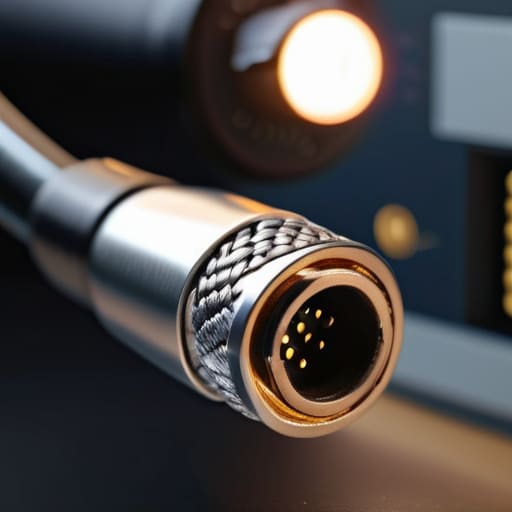
At the end of the day, choosing cables isn’t about chasing some mythical “audiophile” magic that makes your voice sound like silk; it’s about preventing a technical meltdown when you’re thirty minutes into a high-stakes interview. You need to look past the shiny packaging and check the physical reality of the gear. Look for solid metal connector housings that won’t snap when you step on them, and ensure the shielding is actually thick enough to fight off the electromagnetic interference from your laptop or phone. If the cable feels flimsy or the jack wobbles when you plug it in, it is going to fail you exactly when you can’t afford to lose the take. Don’t let a cheap piece of copper be the reason you have to tell a guest you need to restart from the beginning.
I know it feels like a lot of technical minutiae to obsess over when you just want to get out there and tell stories, but this is the unglamorous foundation of the craft. Podcasting is a series of small, invisible wins—it’s the recording that goes perfectly because nothing broke, and the edit that stays clean because the signal was pure. You don’t need a studio budget that rivals a BBC department to do this well, but you do need to respect the signal chain. Once you get your hardware sorted, you can stop worrying about the hum and the hiss and finally focus on the human beings on the other end of the microphone. That’s where the real work happens.




