
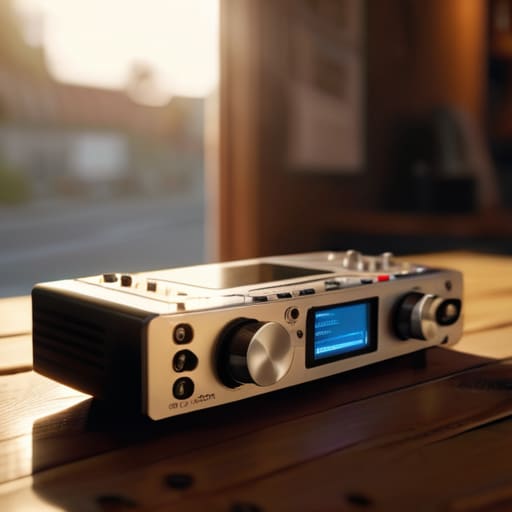
I spent three years thinking I needed a studio-grade setup and a mortgage-sized budget before I could actually start recording. I was wrong. Most of the gear reviews you read online are just people trying to sell you a shiny new toy that won’t actually fix a bad room or a guest who won’t stop fidgeting with their chair. If you’re staring at a box of cables and wondering how to use a portable recorder without sounding like you’re broadcasting from inside a tin can, stop looking at the spec sheets. The truth is, knowing how to manage your gain levels and where to place your microphones is far more important than the price tag on the device in your hand.
I’m not here to give you a sales pitch or a theoretical lecture. I’m going to tell you exactly how I set up my field kits so I don’t come home with forty minutes of unusable, distorted audio. We’re going to talk about real-world settings, the specific ways to avoid clipping, and the unspoken habits that separate a professional take from a wasted afternoon. This isn’t about being fancy; it’s about making sure your work actually sounds like something people want to hear.
Mastering Microphone Placement for Portable Recorders Without the Stress
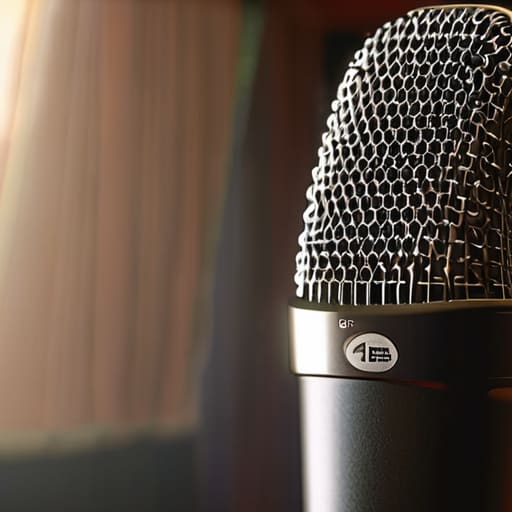
I’ve spent enough time in draft folders to know that no amount of EQ in your digital audio workstation workflow can fix a guest who sounds like they’re sitting ten feet away from the mic. If you’re using a handheld device, the temptation is to hold it like a news reporter, but that’s a recipe for disaster. You want the mic about six to eight inches from the mouth, slightly off-axis. Aiming it just a few degrees away from the center of the lips prevents those harsh “P” and “B” sounds—the plosives—from hitting the capsule like a physical punch.
When you’re out in the field, microphone placement for portable recorders is less about perfection and more about managing the environment. If you’re stuck in a car or a noisy cafe, use your body as a shield. Position the recorder so the guest’s back is to the primary noise source. It’s a crude bit of field recording technique, but it beats spending four hours trying to surgical-strike background hum out of a waveform later. Consistency is your best friend here; if you can get a stable distance and angle, your life gets significantly easier.
High Quality Audio Capture When the Environment Fights You
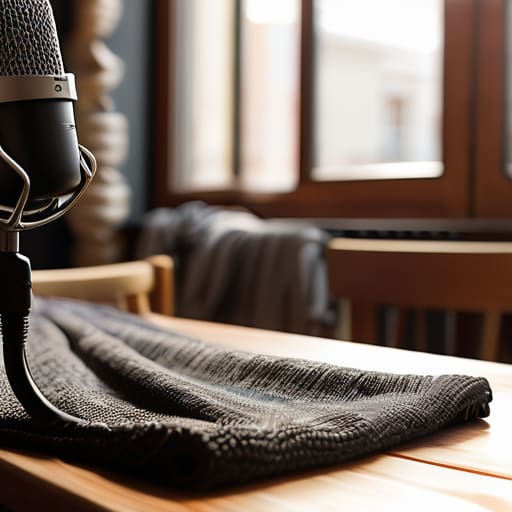
You can have the most expensive condenser mic in the world, but if you’re standing in a cafe with a humming espresso machine or a hotel room with floor-to-ceiling windows, you’re fighting a losing battle. When the environment is working against you, stop trying to find the “perfect” spot and start looking for the least terrible one. I’ve learned the hard way that a heavy moving blanket draped over a chair or even a thick coat tucked behind your guest can do more for your high-quality audio capture than any software plugin ever will. It’s about dampening the reflections before they hit the capsule.
If you can’t control the room, you have to control your audio recording settings. Don’t just set it to auto and pray. I usually aim for levels that peak around -12dB to -6dB; if you’re recording in a noisy environment, you need that extra headroom so you aren’t constantly fighting to lift a quiet voice out of a muddy floor of ambient noise later in your digital audio workstation workflow. It’s much easier to compress a clean signal than it is to try and surgically remove a siren from a clipped, distorted mess.
Five Ways to Avoid Ruining Your Take
- Watch your gain levels like a hawk. I don’t care what the manual says about “headroom”—if your meters are hitting the red during a guest’s laugh, you’ve already lost. Set your levels so your peaks sit around -12dB to -6dB. It’s better to have a quiet recording you can boost later than a clipped, distorted mess that no amount of EQ can fix.
- Stop relying on the built-in microphones. If you’re using a Zoom or a Tascam, the internal mics are fine for a quick field note, but for an interview, they’re going to pick up every car passing by and the hum of the air conditioning. Plug in a dedicated XLR mic. It’s more weight in your bag, but it’s the difference between a professional recording and a demo tape.
- Use headphones. Always. I’ve seen people spend three hours traveling to a location only to realize at the edit stage that there was a constant, low-frequency buzz from a nearby fridge. If you aren’t monitoring the input in real-time, you aren’t recording; you’re just hoping.
- Format your SD cards in the device itself. Don’t just yank a card out of your laptop and shove it into the recorder. Format it on the machine you’re using to record. It ensures the file structure is exactly what the hardware expects, which saves you from that specific brand of panic when the recorder says “File Error” halfway through a session.
- Bring more power than you think you need. Lithium-ion batteries are great until they aren’t. If you’re doing a long-form interview, don’t trust a single set of AA’s or a half-charged internal battery. Carry a backup power bank or a spare set of cells. There is nothing more soul-crushing than a dead recorder ten minutes into a perfect interview.
The Hard Truths to Remember Before You Hit Record
Your levels are more important than your gear; set your gain so your loudest peaks hit around -6dB to -12dB, because if you clip the audio in the field, no amount of post-production magic is going to fix that digital distortion.
Silence isn’t actually silent; always record at least sixty seconds of “room tone” before you start the interview so you have a clean sample of the ambient noise to use for patching holes during the edit.
Don’t trust your eyes, trust your ears; ignore the visual waveform on the screen for a second and actually listen to the playback to check for low-frequency hums or subtle wind interference that a screen won’t show you.
The Truth About Your Gain Settings
I’ve seen people spend three grand on a Zoom or a Sound Devices unit only to ruin the take because they were staring at their notes instead of watching the meters. If you’re peaking into the red, you aren’t ‘capturing energy’—you’re just making noise that I’ll have to spend four hours trying to digitally repair, and even then, I can’t fix it. Set your levels so your loudest peaks sit around -12dB, and for heaven’s sake, check your headroom before you hit record.
Nadine Okafor
The Reality of the Field
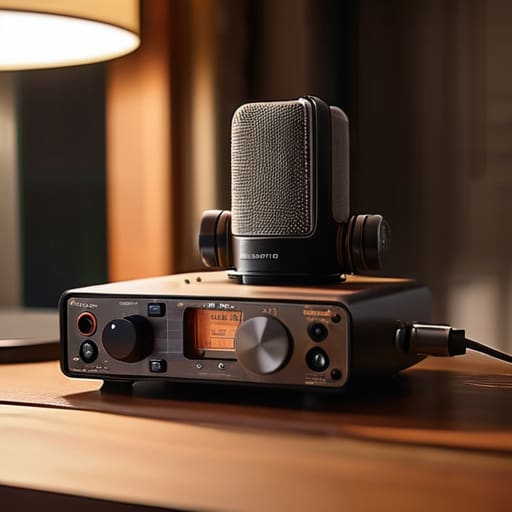
At the end of the day, using a portable recorder comes down to managing the variables you can actually control. You can’t stop a siren from screaming past your window or a guest from fidgeting with their chair, but you can control your gain staging and your distance from the capsule. Remember that mic placement is your first line of defense against bad audio, and your environment is just as much a part of the recording as the person speaking. If you’ve checked your levels, dampened the echo with whatever soft surfaces you could find, and kept your recorder out of the direct line of sight, you’ve already done more than half the people out there. Don’t go looking for perfection in the waveform; just aim for clean, usable signal that doesn’t require three hours of surgical EQ to make listenable.
There will be days when the SD card fails, the batteries die mid-sentence, or the wind renders your windscreen useless. I’ve had those days, and they usually happen right when the guest says something truly profound. But don’t let the technical friction stop you from hitting record. The gear is just a tool, and while a high-quality capture makes your life easier in the edit, the story is what keeps people listening. Get out there, get the sound, and learn from the mistakes—they’re usually the best teachers you’ll ever have.




