
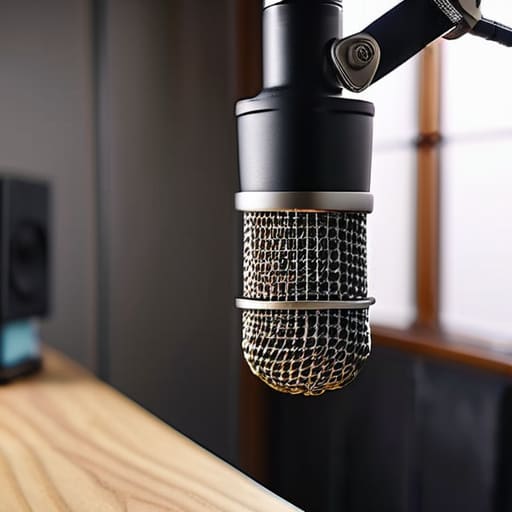
I spent three hours last Tuesday staring at a waveform that looked like a mountain range, all because a guest decided to tap their pen against a desk that was physically connected to their mic stand. You can spend five hundred quid on a high-end condenser, but if you don’t actually understand how to use a boom arm without noise, you’re just recording expensive garbage. Most people think the solution is buying a heavier arm or a thicker shock mount, but that’s just throwing money at a mechanical problem that requires a bit of physics and some common sense.
I’m not here to sell you a “masterclass” or tell you that you need a studio-grade setup to sound professional. I’ve spent twenty years in the edit suite, and I’ve learned that the difference between a clean take and a wasted hour is usually found in the small, unglamorous details of your desk setup. I’m going to show you the specific ways to decouple your gear, how to position your tension springs so they don’t creak mid-sentence, and the exact placement that keeps the vibrations out of your audio.
Mastering Shock Mount Effectiveness for Cleaner Takes
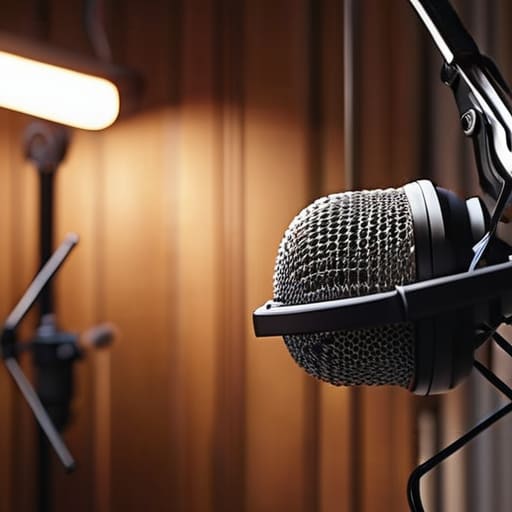
If you’re relying solely on the rubber bands of a cheap shock mount to save your audio, you’re asking for trouble. I’ve spent enough hours cleaning up tracks where a guest bumped their desk to know that shock mount effectiveness isn’t just about having the gear; it’s about how you tension it. If the elastic is too loose, the mic will tilt and eventually hit the frame; if it’s too tight, you’re just creating a direct bridge for vibrations to travel from the arm into the capsule. You want that sweet spot where the microphone is suspended, not just held.
Beyond the mount itself, you need to look at your mechanical noise reduction strategy as a whole system. A heavy-duty boom arm is great for stability, but if it’s clamped directly to a hollow wooden desk, every time you move your mouse or tap a pen, the mic is going to pick up that low-frequency thud. I always suggest a bit of decoupling—maybe a heavy desk mat or even a dedicated weighted base—to improve microphone stand stability. It’s about breaking the physical path that the vibration takes to reach your diaphragm.
Vibration Dampening Techniques That Actually Work
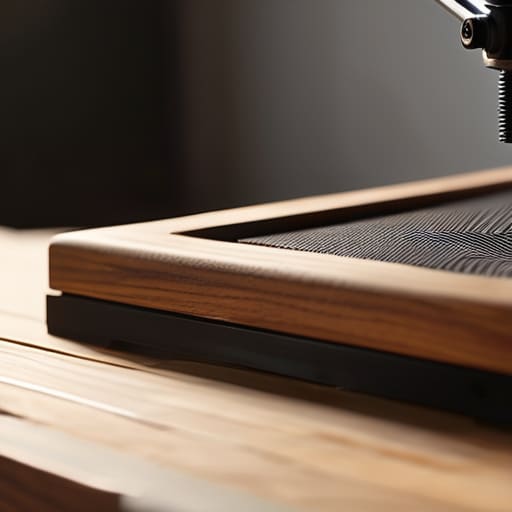
If you’ve already sorted your shock mount and you’re still hearing a low-end thud every time you shift in your chair, you haven’t solved the problem; you’ve just moved it. Most people think a heavy-duty arm is enough, but if that arm is clamped directly to a hollow IKEA desk, you’ve basically built a tuning fork. You need to look at your studio desk setup tips through the lens of physics. I usually recommend placing a thick, high-density foam pad or even a heavy rubber mat under the base of the arm. It sounds basic, but creating that physical buffer between the desk surface and the mounting hardware is the only way to achieve real mechanical noise reduction.
Another thing I see people miss is the tension in the arm’s joints. If your joints are loose, the arm will micro-vibrate with every breath or movement. Tighten them down until they are firm, but not so tight that you’re straining the internal springs. For those of us working in non-treated rooms, adding a bit of weight to the opposite end of the boom arm can sometimes help with microphone stand stability, preventing that annoying swaying that makes a listener feel like they’re on a boat.
5 ways to stop your boom arm from sounding like a disaster
- Tighten your clamps, but don’t strip the screws. I’ve seen too many beginners leave a boom arm slightly loose because they’re afraid of overdoing it; that’s how you end up with a slow, rhythmic “creak” every time you adjust your position mid-sentence. If it’s not solid, it’s a noise generator.
- Watch your cable management. If your XLR cable is hanging loose and slapping against the metal pole of the arm, you’re going to hear every single movement. Use Velcro ties to secure the cable to the arm itself, but leave enough slack at the connection points so you aren’t pulling on the mic’s internals.
- Mind the “touch noise” trap. If you have a habit of adjusting your mic while you’re recording, you’re dead in the water. Once you’ve set your levels and your position, leave it alone. If you absolutely must move it, do it during a break, or you’ll be spending three hours in post trying to phase out the sound of your fingers sliding across metal.
- Check your desk’s relationship to the arm. If your boom arm is clamped directly to a hollow wooden desk, that desk is going to act like a drum when you tap a pen or move your coffee mug. If you can, use a heavy desk mat or, better yet, mount the arm to something more substantial that isn’t vibrating every time you breathe.
- Don’t ignore the “swivel groan.” Cheap, entry-level arms use plastic tensioners that start to squeak after about three months of use. If yours starts doing this, don’t just record over it; get a tiny drop of dry PTFE lubricant on the joints. Avoid WD-40—it’ll gunk up the mechanism and make a mess of your workspace.
The bottom line for your setup
Don’t rely on the shock mount to do all the heavy lifting; it’s a secondary defense, not a magic fix for a desk that vibrates every time you tap your pen.
Tighten your clamps and check your cable tension, because a loose connection or a heavy XLR cable pulling on the mic will create a low-frequency hum that no amount of EQ can truly save.
Test your setup by tapping the desk and moving your chair before you hit record—if you hear it in the headphones then, it’s going to be a nightmare to fix in post.
The reality of mechanical noise
You can spend three grand on a Neumann, but if your boom arm isn’t clamped to a solid desk and your cables aren’t relieved of tension, you’re just recording a very expensive version of your neighbor’s footsteps and your own heavy breathing.
Nadine Okafor
Getting it right before you hit record
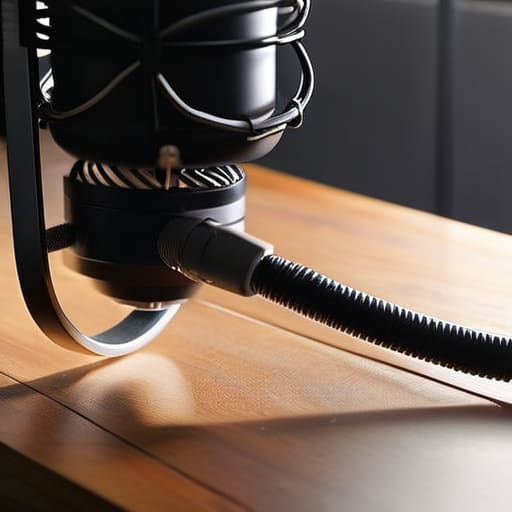
At the end of the day, fixing a noisy boom arm isn’t about buying a more expensive piece of metal; it’s about the physics of what’s happening in your workspace. You’ve learned that a shock mount is only as good as its ability to isolate the capsule, and that no amount of digital post-processing can truly save a take that was ruined by a mechanical thud or a desk bump. If you’ve taken the time to tighten your clamps, route your cables so they aren’t pulling on the arm, and placed your setup away from the hum of a computer fan, you’ve already done more than half of my amateur guests ever do. It’s about eliminating the problem at the source rather than trying to engineer your way out of a bad recording later in the edit.
Look, there will still be days when a heavy truck rolls past your studio or your guest accidentally knocks their water glass against the table. That’s just the job. But if you master these small, unglamorous technical details now, you won’t be spending your entire career fighting your own gear. You’ll be free to actually listen to the story being told. Don’t let a cheap vibration distract from a great interview. Master the hardware, get the clean signal you need, and then get out of your own way so the audio can actually do its work.




