
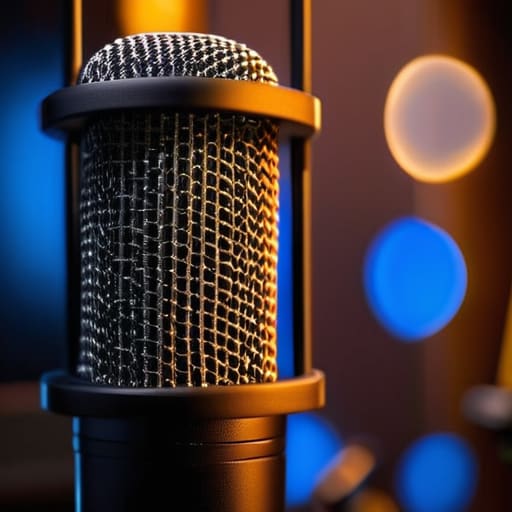
I once spent three hours trying to “fix” a series of explosive, distorted P-sounds in a documentary edit, only to realize the guest had been sitting so close to the capsule that even their most expensive mesh screen was useless. It’s one of those things people think they’ve solved just by buying a piece of nylon on a gooseneck, but they don’t actually understand how to use a pop filter properly. You can spend five hundred pounds on a studio-grade condenser, but if you’re treating the filter like an afterthought or an ornament, you’re still going to be sitting in my editing suite at 2:00 AM trying to surgically remove every single distressing plosive that threatens to blow out your listener’s ears.
I’m not here to sell you a “masterclass” or a specialized piece of gear you don’t need. I want to give you the actual, physical mechanics of it—the distance, the angles, and the way you need to position the screen relative to the mic to actually stop the air from hitting the diaphragm. I’ll tell you exactly what works in a real, messy recording session so you can stop wasting time in post-production.
Beyond the Hype Reducing Microphone Plosives Without Looking Silly
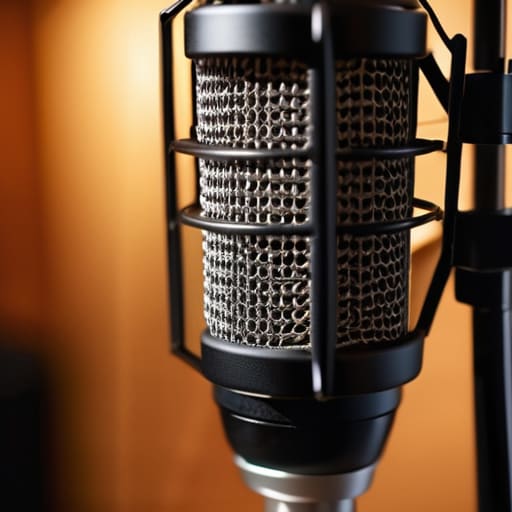
The problem with most tutorials is that they treat the pop filter like a magic shield. It isn’t. If your guest is leaning in too close or breathing directly into the capsule, you’re still going to spend three hours in post-production trying to fix a “P” sound that sounds like a small explosion. One of my favorite vocal recording setup tips is to stop treating the filter as a barrier and start treating it as a directional guide. You want that shield positioned about two to three inches away from the mic, but the real secret is the angle. If you tilt the microphone slightly off-axis—just a few degrees so the guest isn’t speaking directly into the center of the diaphragm—you’ll find you’re improving audio clarity without even needing a heavy-duty mesh screen.
It also helps to stop obsessing over the gear and start looking at the mouth. I’ve seen people buy expensive, dual-layer nylon filters only to realize the guest is still sitting six inches from the mic. That’s a recipe for disaster. If you can, encourage your talent to speak past the microphone rather than into it. It feels a bit unnatural at first, but it’s a much more effective way of managing air pressure than any piece of hardware.
Finding the Best Position for Pop Shield Stability
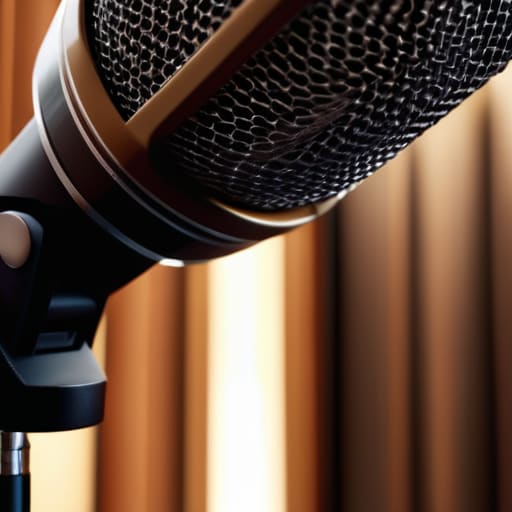
The mistake I see most often is treating the pop shield like a physical barrier you just shove between the mouth and the capsule. If you place it directly against the grille, you aren’t doing much more than giving the air a harder surface to bounce off of. To actually succeed at reducing microphone plosives, you need to create a buffer zone. I usually aim for about two to three inches of clearance between the filter and the mic, and another three to four inches between the speaker and the filter. This gap allows the heavy air bursts from ‘P’ and ‘B’ sounds to dissipate before they ever hit the diaphragm.
Finding the best position for pop shield stability also means considering your physical movement. If you’re recording an interview, your guest is going to drift. If the filter is on a flimsy, cheap gooseneck, it’ll sag halfway through the session, leaving you with a muddy mess to fix in post. I prefer using a sturdy boom arm with a dedicated clip. It keeps the setup consistent so you aren’t constantly adjusting the distance mid-sentence, which is a nightmare for maintaining a steady level.
Five Ways to Stop Fighting Your Own Audio
- Watch your distance, not just the filter. A pop filter isn’t a magic shield that lets you bury your face in the capsule; you still need at least two to three inches of air between the mesh and the mic. If you’re too close, that burst of air is going to hit the diaphragm regardless of what’s in between.
- Stop using the cheap, flimsy plastic ones. If you’re using those thin, single-layer nylon screens that sag under their own weight, you’re going to spend half your session adjusting them. Get a dual-layer metal mesh or a heavy-duty nylon screen that actually stays where you put it.
- Angle the filter slightly. You don’t have to have it perfectly parallel to the microphone. If you angle it just a few degrees off-center, you can redirect the direct blast of air away from the capsule while still letting the sound waves pass through clearly.
- Check for “ghost pops” in your headphones. Don’t trust your ears in the room; trust your monitors. Sometimes a plosive is subtle enough that it sounds fine in the air, but when you’re looking at the waveform in your DAW, you’ll see a massive, ugly spike that’s going to be a nightmare to notch out later.
- Mind the guest’s movement. If you’re recording an interview, people tend to lean in when they get excited or hit a key point in their story. If they move six inches forward, they’ve just bypassed your pop filter entirely. Remind them—gently—to keep a consistent distance from the rig.
The Bottom Line
A pop filter isn’t a magic shield; it’s a physical barrier that needs distance. If you’re breathing directly onto the mesh from two inches away, you’re going to hear those ‘P’ and ‘B’ sounds in your headphones regardless.
Stop treating the filter as a static piece of gear. You need to adjust its angle and distance throughout the session, especially if your guest moves around or starts getting more animated as the interview progresses.
Don’t let the gear dictate your performance. If the filter is so bulky or poorly placed that you’re fighting it to stay on mic, you’ve failed. It should be a silent partner in the room, not a hurdle you’re jumping over.
The Real Reason We Use Them
A pop filter isn’t a magic wand that fixes a bad mic technique; it’s a structural barrier for the air. If you’re still getting those heavy thumps on your ‘P’s and ‘B’s, you haven’t failed at using the filter—you’ve just failed to realize that no amount of nylon can stop a gust of wind if you’re eating the microphone.
Nadine Okafor
The Bottom Line on Plosives
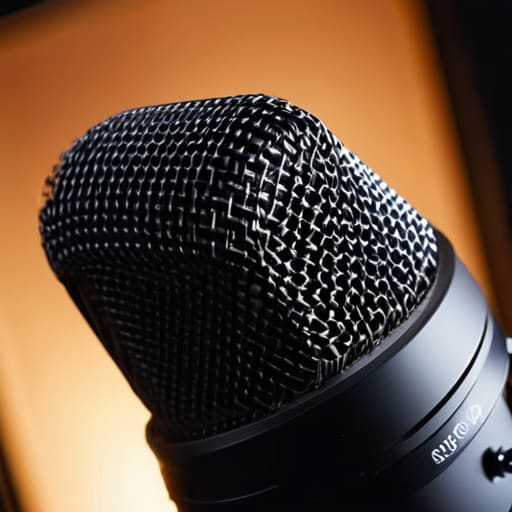
At the end of the day, a pop filter isn’t a magic wand that fixes a bad recording environment, but it is the simplest way to stop your listeners from feeling like they’re being punched in the ear every time a guest says “power” or “people.” You’ve learned that it’s not just about having one; it’s about the physics of the placement. If you’re too close, you’re still hitting the diaphragm with a blast of air; if you’re too far, you’re just adding unnecessary distance that thins out your low end. Keep it about two to four inches from the mic, angle it slightly if you have to, and stop treating it like an afterthought. It’s a fundamental piece of the signal chain, and ignoring it is just making your job in post-production twice as hard as it needs to be.
Look, I know it feels like a tiny, pedantic detail when you’re staring down a deadline or a difficult guest, but these are the small technical wins that build a professional sound. You won’t win an award for your pop filter, but you will win the listener’s trust by providing audio that doesn’t demand their constant attention just to stay comfortable. Podcasting is a marathon of endurance, and mastering the unglamorous basics is how you stay in the race. Get the physics right in the room, and you’ll spend much less time fighting the waveform later.




